
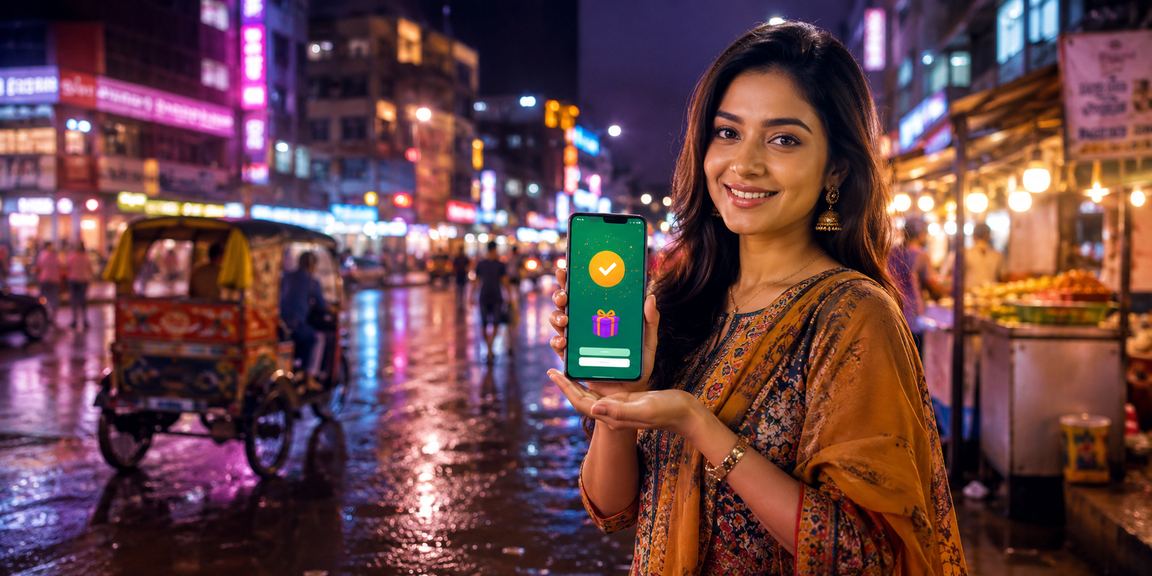
No browser hassles, no slow loading. Install the uukk app and jump straight into live betting, slots, and casino games. A smooth experience on any network in Bangladesh.
Completely safe — no viruses or malware
Everything that makes mobile betting better

Get the uukk app up and running on your phone in just a few steps
Download the Android APK file from the uukk website. It will be saved to your phone's Downloads folder.
Go to Settings → Security → and enable "Unknown Sources" or "Install Unknown Apps". You only need to do this once.
Open the downloaded APK file from your File Manager and tap "Install".
Once the installation is complete, open the app. If you already have an account, log in — otherwise, sign up for a new one.
Open the uukk website on your iPhone using Safari. Installing the PWA may not work correctly in Chrome or other browsers.
Tap the Share button at the bottom of the screen (the box with an arrow pointing up). A menu will slide up.
Select "Add to Home Screen" from the menu. The uukk app icon will be added to your home screen.
From now on, tapping the uukk icon on your home screen will open the app in full screen — no browser bar in sight.
Android vs iOS: Side-by-Side Comparison
| Feature | Android | iOS |
|---|---|---|
| Minimum OS Version | Android 6.0+ | IOS 13.0+ |
| File Size | ~28 MB | PWA (No Download Required) |
| Biometric Login | Yes | Yes |
| Push Notifications | Yes | Yes |
| Offline Mode | Partial | No |
| Live Streaming | Yes | Yes |
| Mobile Pay / Nagad Payment | Yes | Yes |
| Dark Mode | Yes | Yes |
| Bangla Language Support | Yes | Yes |
| Live Chat Support | Yes | Yes |

Most people in Bangladesh access the internet on their mobile phones. Not everyone has a laptop or desktop, and even those who do don't always have one within reach. With that reality in mind, uukk has built its mobile app with you in mind. On your way home, riding a rickshaw, or right before bed — open the app and place your bets anytime.
On a browser, pages can sometimes load slowly due to cache, cookies, or network issues. The app bypasses all of that — it communicates directly with the server for faster data. In live betting, where even a second or two matters, the app's speed gives you a real edge.
Tips: Stay logged in to the uukk app and keep notifications enabled. You'll get real-time updates whenever odds shift during a live match — far more convenient than pre-match betting.
uukk The app has a huge game library. Sports Betting covers cricket, football, tennis, badminton, hockey, and much more. Bangladesh cricket matches often get special boosted odds — and only app users receive those notifications.
The casino section features live baccarat, roulette, blackjack, Dragon Tiger, and many more table games. Playing with a real dealer is a much better experience on the app — video streams run smoothly on screen. The slots section has over a thousand games, including the best titles from top software providers.
If arcade or fishing games are your thing, you're in luck too. uukk You'll find these games in a dedicated "Arcade" section on the app — a category that's quickly gaining popularity among young users in Bangladesh.
The biggest barrier to online payments in Bangladesh used to be not having an international card. uukk has solved that problem. Mobile Pay, Nagad, Rocket — deposit using whichever you have. Just enter your mobile number and PIN, and you're done.
Withdrawals are just as straightforward. Your winnings typically arrive in your mobile banking account within 30 minutes to 2 hours. Submitting a withdrawal request through the app is even faster — your details are already saved, so there's nothing to fill in again.
Please Note: Account verification is required before your first withdrawal. Simply upload a photo of your National ID or passport — it's a one-time process and approval typically takes 3–4 hours.
Many people wonder how safe it is to keep money in a mobile app. uukk The app uses SSL encryption, meaning all your data is transferred securely. Passwords are never stored in plain text on the server — they're kept in hashed form.
If your phone is lost or stolen, don't worry — logging in from another device will automatically sign out any previous session. Keeping two-factor verification (2FA) enabled adds an extra layer of security.
The Android app has a built-in "Check for Updates" option so you'll get notified whenever a new version is available. On iOS, since uukk runs as a PWA, the browser always loads the latest version automatically — no manual updates needed.
Every update brings new games, bug fixes, and performance improvements. uukk The team continuously gathers user feedback to improve the app — so keeping it updated means you always get the best experience.
Frequently Asked Questions
Gamble Responsibly: uukk is for entertainment purposes only — please don't treat it as a source of income. Never bet more than you can afford to lose. uukk is strictly for users aged 18 and above. For more information, visit our Responsible Gaming Visit the page.